How Figma Make Can Streamline Your Marketing Design Workflow
-- Landing Pages Without the Bottlenecks: Why Figma Make Belongs in Your GTM Stack --
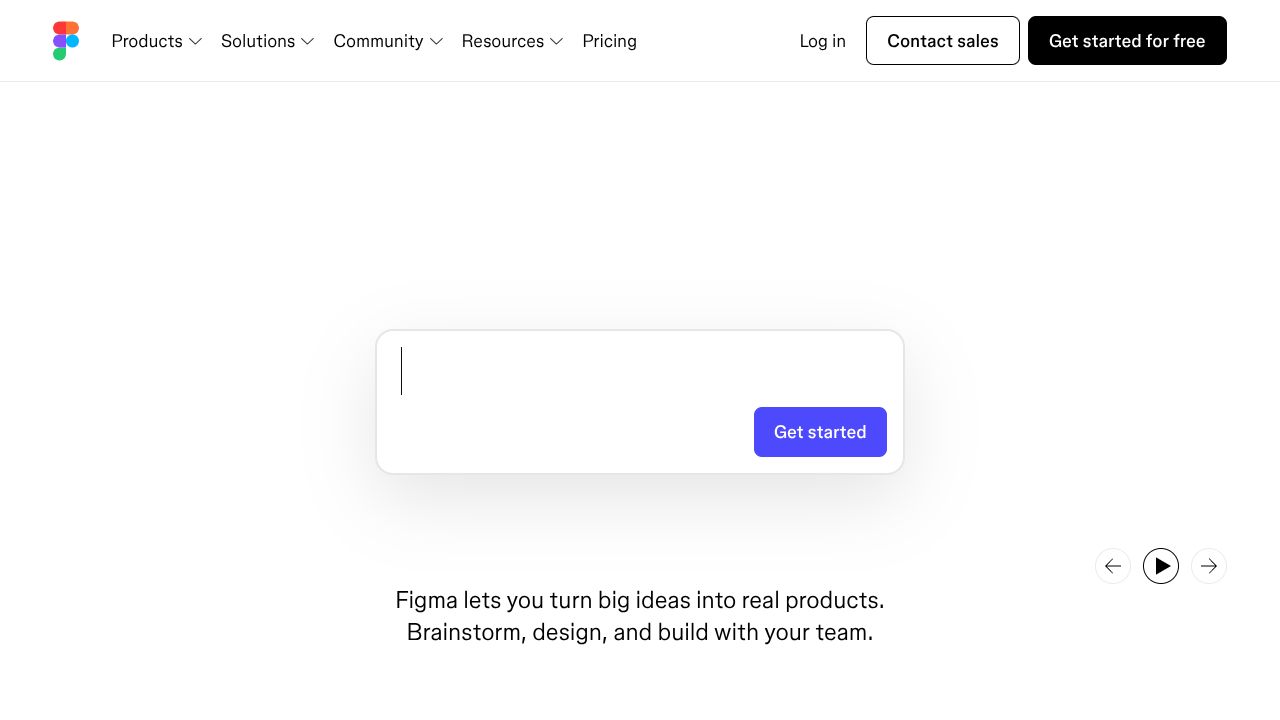
You know the drill—back-to-back approvals, a dev backlog that stretches into next quarter, and a launch window that quietly dies in Jira. Figma Make flips that script by generating full landing pages via AI, right inside the design ecosystem your team already lives in. For Marketing leaders, this matters because it compresses “Zero to Launch” from weeks to days, lets you test more revenue tactics faster, and turns design debt into a competitive advantage.
-- The Business Case --
Figma Make’s core value is speed-to-iteration. Prompt-based, full-page generation—tethered to your existing Figma files, components, and brand system—means your designers and PMMs can move from idea to live variants with minimal engineering lift. In my experience, the winning combo is velocity plus control: collaborative editing stays in Figma, while Make handles the heavy lifting to get a credible first draft on the canvas. That’s a one-two punch for “First Customer Stories” and early signal capture when you’re still testing positioning.
The ROI shows up in a few places: reduced time-to-first-page (think days, not sprints), a higher cadence of experiments (3–5 variants per week without extra headcount), and lower reliance on expensive dev cycles for every iteration. The free tier lowers the barrier to pilot. Bottom line: if your growth plan hinges on landing page throughput, Make helps you hit more milestones, sooner, with fewer blockers—exactly the path from nothing to recurring revenue.
-- Key Strategic Benefits --
- *
Operational Efficiency:
Make lives inside Figma, so there’s no context switching, no file exports, and no handoff theater. Prompt a page, align it to your design system, and let stakeholders comment where they already collaborate. I’ve seen this cut review cycles in half simply by centralizing feedback. - *
Cost Impact:
With a free tier and AI doing the first 60–70% of layout work, you’ll shift spend from dev hours to higher-leverage testing and media. Fewer contractor tickets for small page tweaks = more budget for acquisition. Expect better CAC payback when you can iterate copy and layout daily instead of monthly. - *
Scalability:
Design tokens and components scale across brands and regions; Make slots into that ecosystem so you can templatize hero sections, pricing tables, and FAQs. As campaigns multiply, you’re compounding efficiency—not reinventing the page each time. This is how you go from pilot to portfolio without tripping over ops. - *
Risk Factors:
Conversion tools are “basic,” so complex personalization or deep A/B test orchestration may require pairing with your experimentation stack. Governance is critical: prompt variance can drift off-brand if you don’t lock templates and guardrails. Also confirm export/performance/SEO hygiene before high-traffic pushes.
-- Implementation Considerations --
Stand up a 30-day pilot with a cross-functional trio: design lead (owns templates), PMM (owns messaging), and growth manager (owns analytics and conversion). Week 1: import your design system; define 3–4 page templates (launch, feature, webinar, pricing); create prompt libraries for each. Week 2: connect analytics, pixels, and CRM/webform destinations; agree on a UTM taxonomy; set publishing and approval gates inside Figma. Weeks 3–4: ship 6–10 variants across two campaigns; measure time-to-first-draft, time-to-approve, and conversion deltas.
Integrations: ensure form capture flows to your CRM/marketing automation, sync tracking (GA4, Meta, LinkedIn), and define a rollback plan for live pages. Change management: document “what good looks like,” enforce brand tokens, and limit who can alter templates. If Make’s export/performance doesn’t meet your standard, pair it with your preferred hosting stack or move high-traffic winners to your production framework post-validation.
-- Competitive Landscape --
While Autodesk Revit, Archicad, and Trimble SysQue excel at BIM workflows—think architectural modeling, fabrication-ready detail, and enterprise documentation—Figma Make is better suited for marketing teams who need high-quality landing pages, fast, with minimal engineering. Those AEC tools are powerful (and pricey), optimized for long, complex build cycles with deep governance. Make’s edge is the free tier, ease of use, and zero handoff friction in a design-first environment.
Against marketing-native page builders like Webflow, Framer, or Unbounce, Make’s differentiator is the seamless creation loop inside Figma plus AI-first page generation. Competitors may have richer hosting, CMS, or testing ecosystems; Make wins on speed-to-draft and design fidelity when your team already lives in Figma. Use Make to validate; migrate winners to your production stack if needed.
-- Recommendation --
Pilot Figma Make for 30 days. Set KPIs: time-to-first-draft (<24 hours), cost per page (<$100 all-in), and conversion lift (+10–20% vs. baseline). Spin up four templates tied to your “Zero to Launch” roadmap; run two campaigns with daily iteration; pair with your analytics and CRM. At day 30, decide: standardize Make for rapid testing, or migrate validated winners to your core stack. Either way, you’ll have faster “Revenue Tactics” and clearer “Milestone Guides” to scale MRR.
EXTERNAL TRANSACTION:
VISIT FIGMA MAKE -->